
Opera
Opera is a free web browser for Windows from Opera Software. The stable release is 136.0.6008.22, published on 17 September 2026.
133.1 MB

LibreWolf is a free, open-source web browser based on Mozilla Firefox, maintained by the LibreWolf Community with privacy-focused defaults.
Average 0.0 · ratings: 0
Thank you! Your rating is saved; you can change it. Could not save the rating. Please try again later. Too many ratings from your network today. Please try again tomorrow. The average appears after 5 ratings.
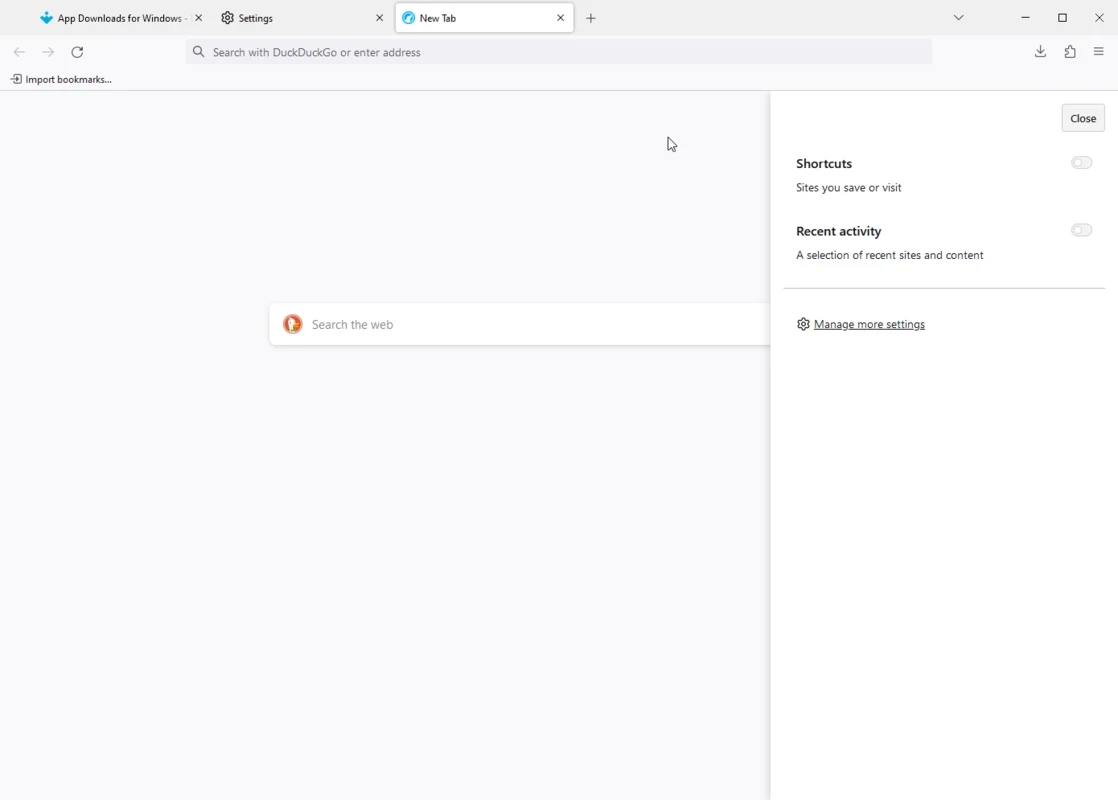
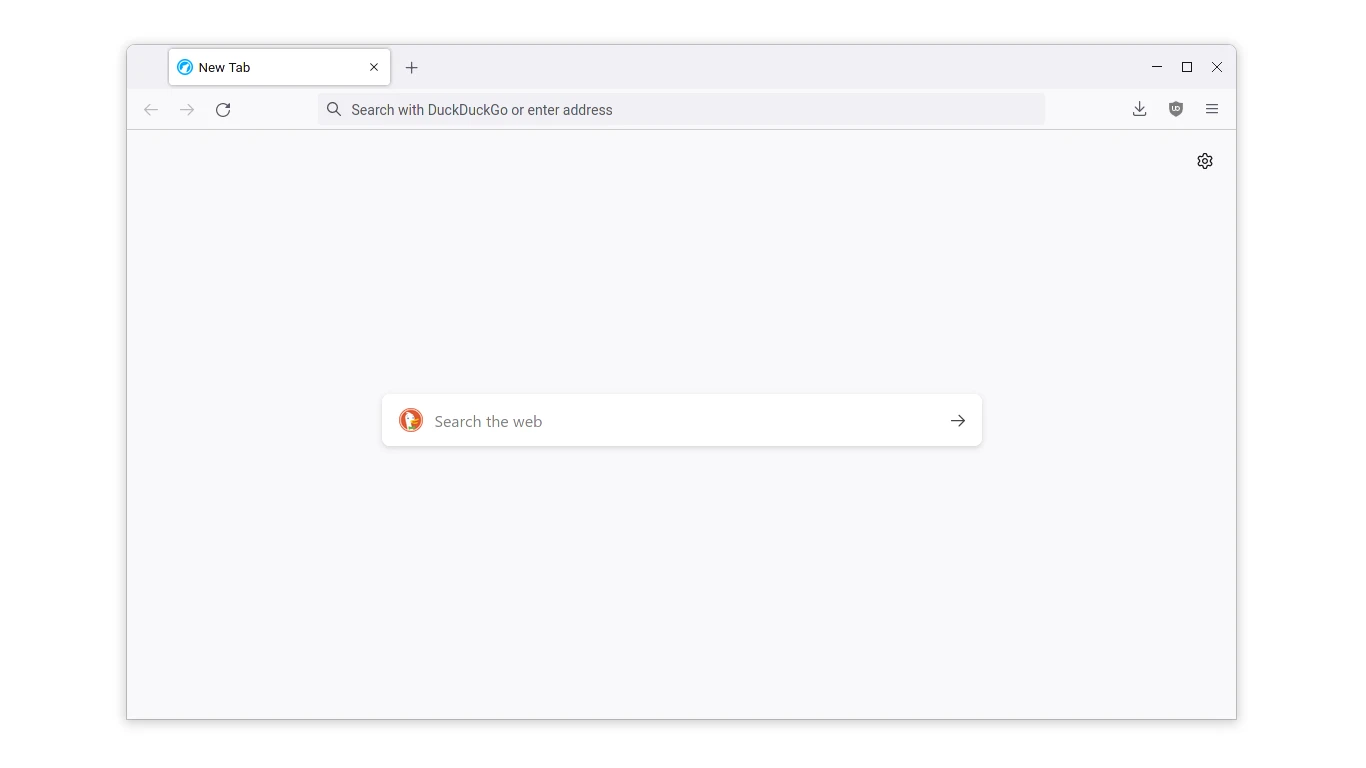
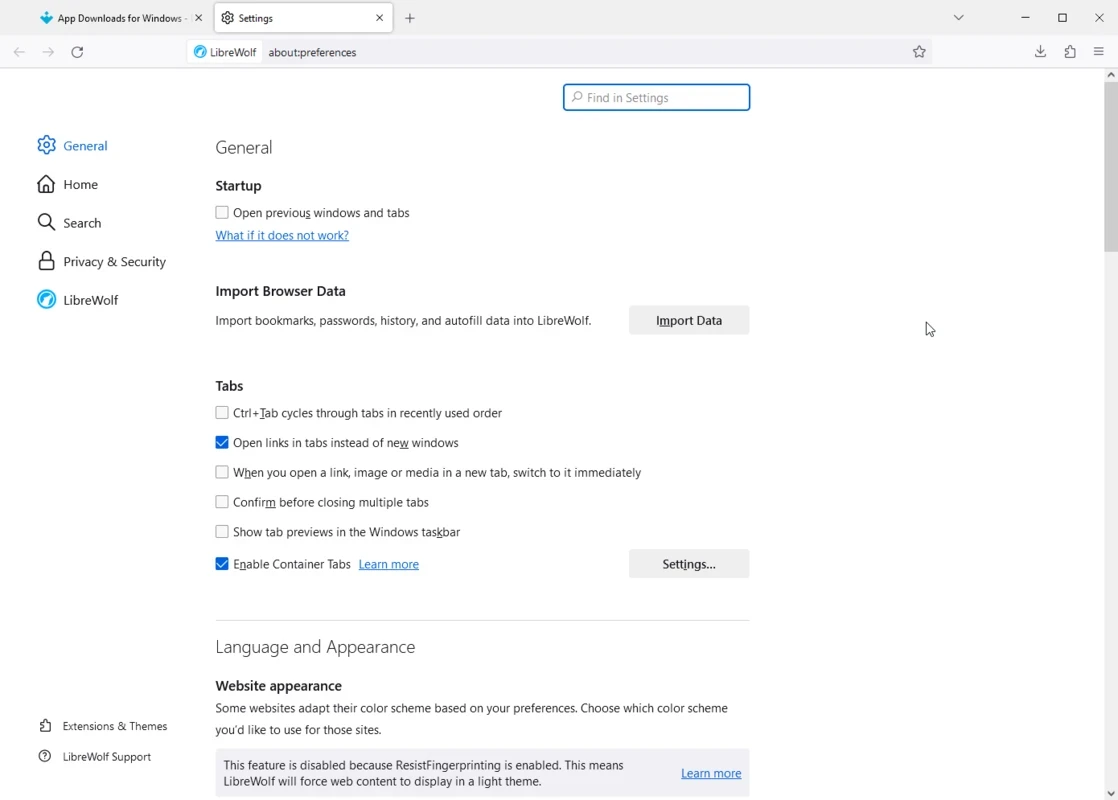
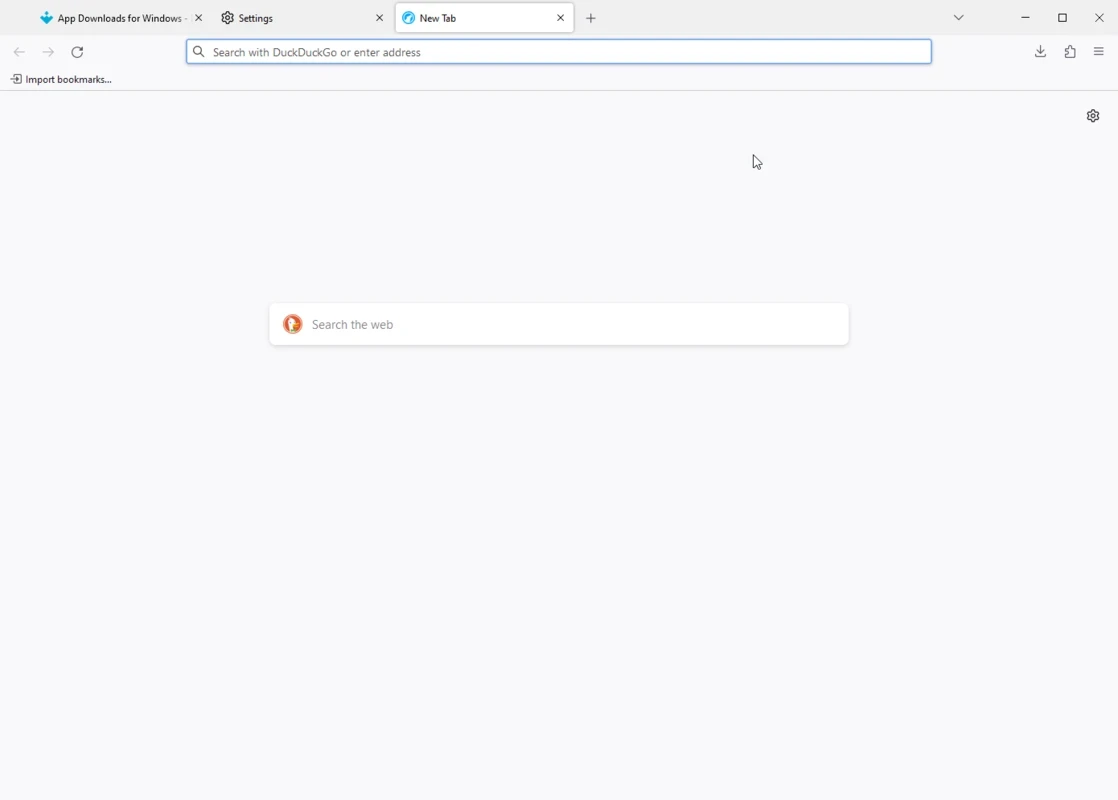
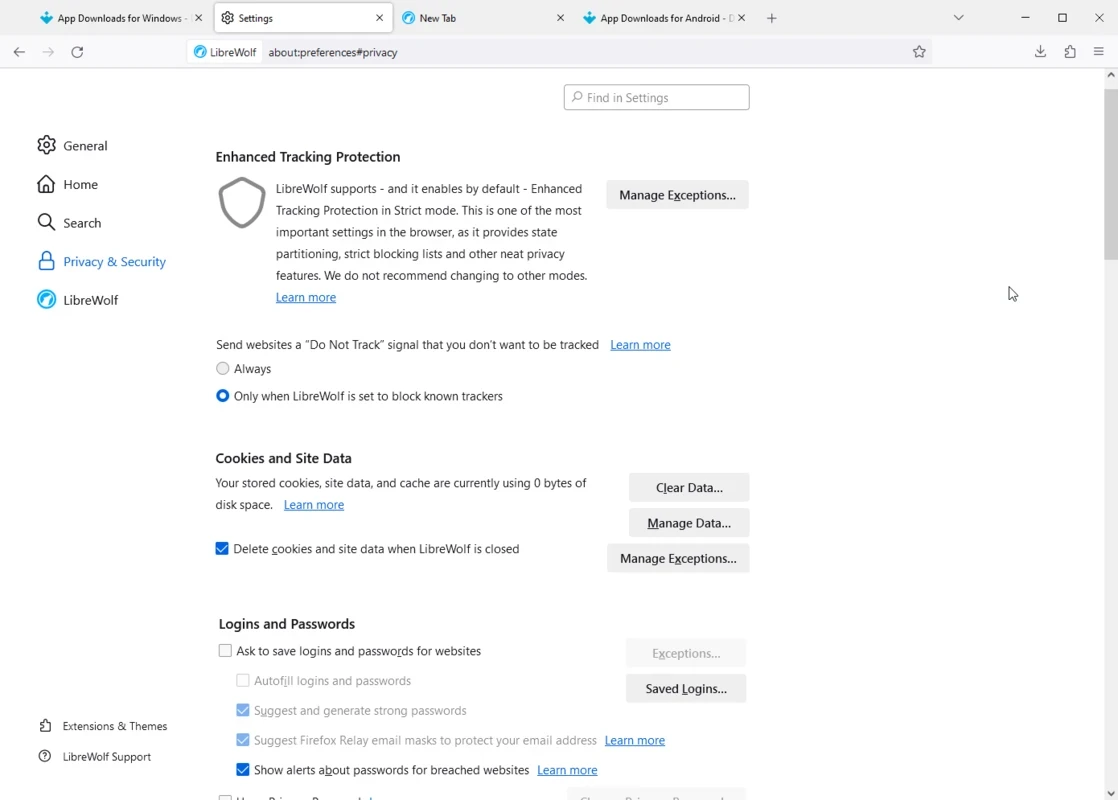
LibreWolf 154.0-2 is a free, open-source web browser based on Mozilla Firefox, developed by the LibreWolf Community. You can download LibreWolf for Windows from the project's installation page; it is also available for Linux and macOS.
LibreWolf takes Firefox and changes its defaults with privacy in mind. The goal is a browser that is private out of the box, without the user spending an evening in the settings. Telemetry and other data collection are switched off, tracking protection is stricter, and privacy-oriented choices are made for search and fingerprinting protection. Because the engine is Firefox, websites work as they do in Firefox, and most Firefox extensions install as usual. The trade-off is convenience. Stricter settings can break some sites or make you log in again more often, and features that depend on Mozilla's online services may be off or missing. LibreWolf is a community project; its version numbers follow Firefox, with an extra suffix for the LibreWolf build.
LibreWolf runs on current Windows versions, like the Firefox release it is built from. A PC that runs Firefox well will run LibreWolf too.
Browser security depends on updates, and Firefox fixes reach LibreWolf through new builds. Check for new versions regularly on the official site, especially after Firefox security releases. Download only from librewolf.net or the project's repositories.
LibreWolf keeps its profile separate from Firefox, so both browsers can live side by side while you test. Export bookmarks from Firefox as a file and import them, then reinstall the extensions you really use; fewer extensions also mean fewer ways to be tracked. Saved passwords are best moved through a password manager rather than left in any browser.
LibreWolf is free and open source.
Users who like Firefox but want stronger privacy defaults, and people who prefer a browser that does not report to its developer. If you rely on sync across devices or on sites that break with strict settings, standard Firefox may be more comfortable.
Other privacy-minded browsers on our site include Mullvad Browser, Waterfox, Firefox ESR and Zen Browser.
Opera is a free web browser for Windows from Opera Software. The stable release is 136.0.6008.22, published on 17 September 2026.

UC Browser for Windows is the desktop version of the web browser from UCWeb, a Chinese mobile internet company.

Google Translate is Google's multilingual machine translation service, used on Windows through the website and a browser extension.

Microsoft Edge is Microsoft's web browser, preinstalled on current Windows versions and available as a free download for reinstalling or updating.

Mozilla Firefox is a free and open-source web browser developed by Mozilla, available for Windows, macOS, Linux, Android and iOS.

Google Chrome is the free web browser from Google. The stable Windows release is 154.0.8037.58, out since 22 September 2026.

Cent Browser is a free Chromium-based browser for Windows from Cent Studio that adds mouse gestures, tab tweaks and other power-user options.